
Vibecoding in 2026: Why Developers Are Embracing AI-Assisted Coding

Jack Ma
January 2, 2026
What Is Vibecoding?
Vibecoding is building software by describing what you want in natural language and letting AI write the code. Instead of typing every character, you collaborate with AI tools like Claude, Cursor, or GitHub Copilot through conversation.
The term captures the essence: you bring the vision, the AI brings the implementation. You stay in the creative flow while AI handles the syntax.
Why Vibecoding Works
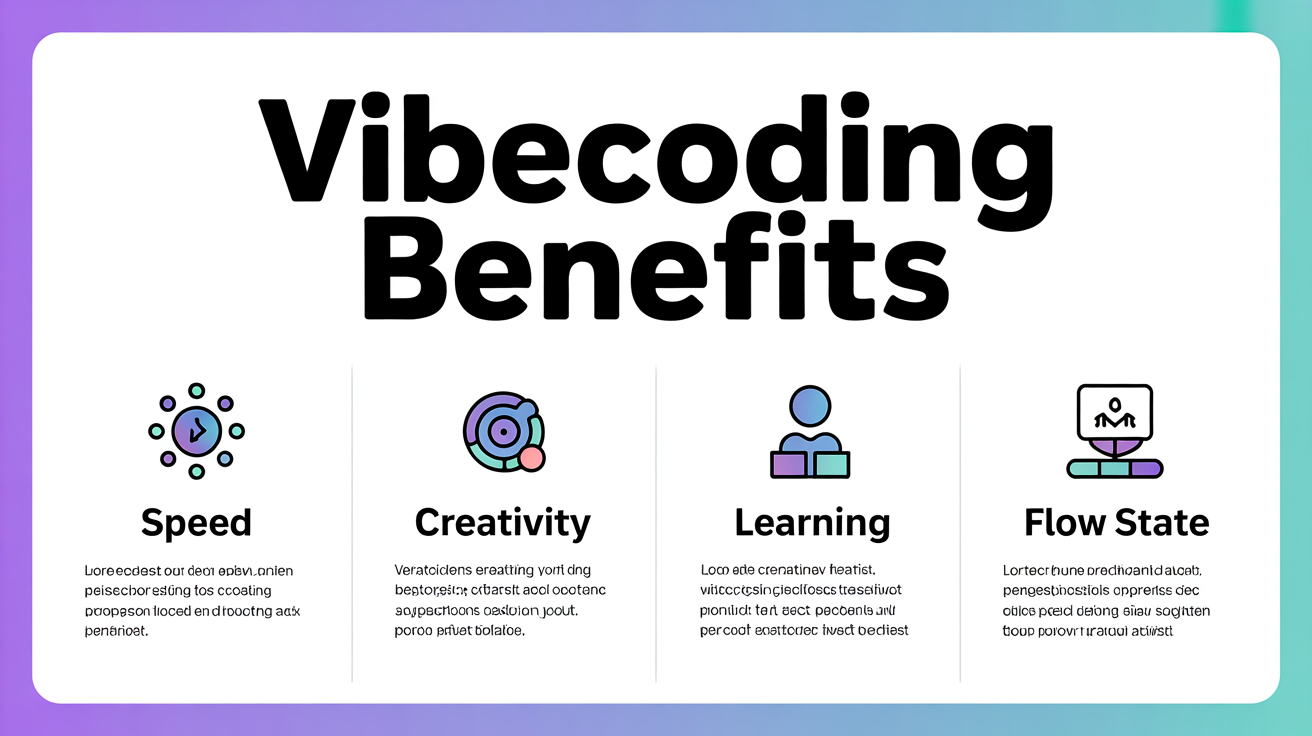
1. Speed Without Sacrifice
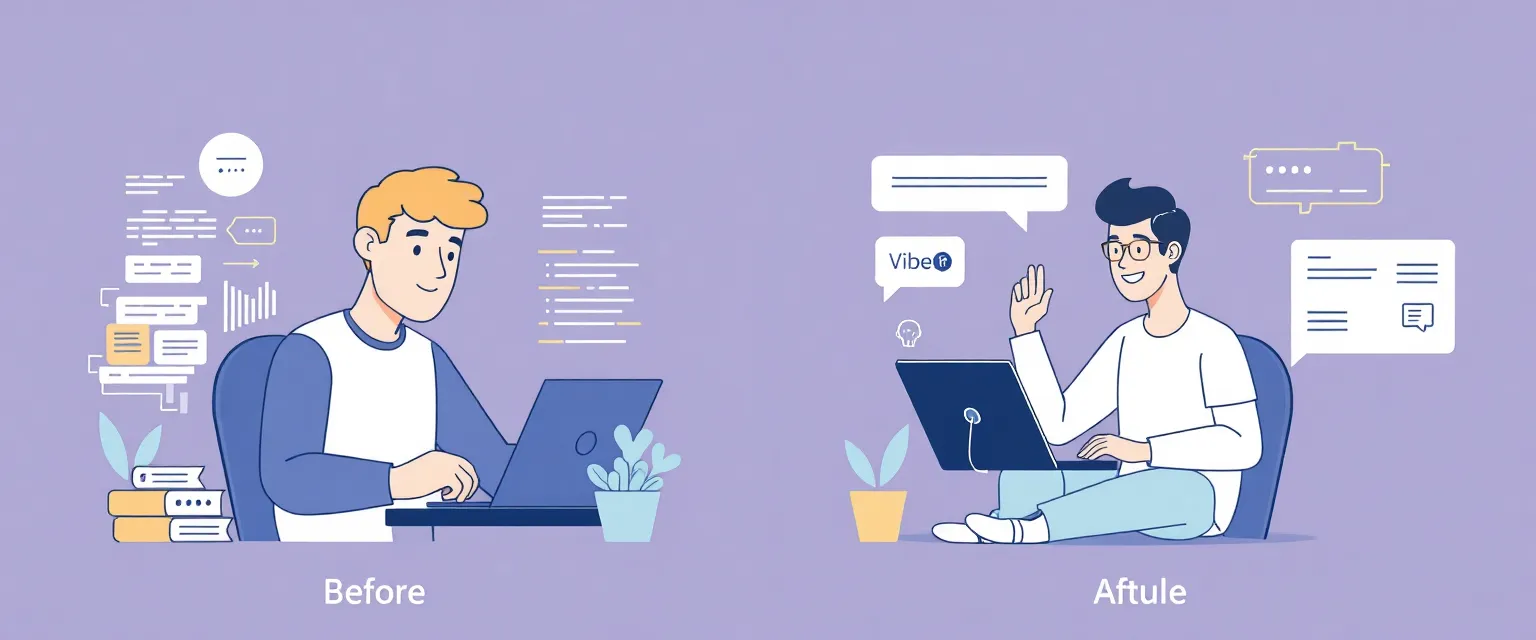
Traditional coding: think → type → debug → search docs → type more.
Vibecoding: describe → review → refine → ship.
You skip the mechanical parts. The AI knows the syntax, the APIs, the boilerplate. You focus on what the code should do, not how to write it.
Real impact: Tasks that took hours now take minutes. Not because quality drops—because friction disappears.
2. Lower Barrier, Higher Ceiling
Vibecoding democratizes development. Non-programmers can build functional tools. Experienced developers can tackle unfamiliar stacks without weeks of learning.
But it also raises the ceiling. When you're not burned out on syntax, you have energy for architecture, UX, and solving the actual problem.
3. Learning Accelerator
Counterintuitively, vibecoding makes you a better programmer. Every AI response is a mini-lesson. You see patterns, idioms, and approaches you wouldn't discover alone.
Ask "why" after any generation. The AI explains its choices. It's like pair programming with an infinitely patient senior developer.
4. Flow State Preservation
Context switching kills productivity. When you stop to look up syntax or debug a typo, you lose your mental model of the problem.
Vibecoding keeps you in flow. Describe intent, review output, stay focused on the bigger picture. The interruptions that fragment traditional coding disappear.
How to Start Vibecoding
Choose Your Tool
Claude Code (CLI): Best for terminal workflows, handles complex multi-file changes, understands full project context.
Cursor: IDE-native experience, inline completions plus chat, great for iterative refinement.
GitHub Copilot: Lightweight autocomplete, integrates everywhere, good starting point.
Start Small
Don't rewrite your entire codebase. Pick a contained task:
- Generate a utility function
- Write tests for existing code
- Create a new API endpoint
- Refactor a messy file
Experience the workflow. Build trust in the output.
Be Specific
Vibecoding works better with context. Instead of:
"Make a login form"
Try:
"Create a React login form with email and password fields. Use Tailwind for styling. Include client-side validation—email format, password minimum 8 characters. On submit, call /api/auth/login with POST."
More context, better results. Same principle as prompting any LLM.
Review Everything
AI writes plausible code. Not always correct code. You're the quality gate.
Read what's generated. Understand the approach. Test it. Vibecoding doesn't mean blindly accepting output—it means faster iteration on ideas.
Common Objections
"It won't work for complex systems."
It works differently. For complex systems, use AI to scaffold components, generate boilerplate, and explore approaches. You still architect. The AI accelerates implementation.
"I'll lose my coding skills."
You'll shift skills. Less memorizing syntax, more understanding systems. Less typing, more designing. The valuable skills move up the abstraction ladder.
"The code quality is inconsistent."
So is human code quality. Review, test, and refine—same as always. The difference: you start from something functional, not a blank file.
The Vibecoding Mindset
Vibecoding isn't about replacing programming. It's about changing what programming feels like.
Instead of fighting the machine, you collaborate with it. Instead of grinding through syntax, you think about solutions. Instead of dreading boilerplate, you describe what you need and move on.
The best developers in 2026 aren't the fastest typists. They're the clearest thinkers who know how to leverage AI effectively.
Getting Started Today
- Install a tool: Claude Code, Cursor, or Copilot
- Pick a small task: Something you'd normally take 30 minutes on
- Describe it clearly: Context, requirements, constraints
- Review and iterate: Refine until it's right
- Reflect: What worked? What needs better prompting?
Vibecoding is a skill. Like any skill, it improves with practice.
The developers who embrace it now will have a significant advantage. Not because AI replaces them—because AI amplifies them.
Want to integrate AI coding tools into your workflow? Contact OverX AI for guidance and implementation support.

Related Articles

LLM Prompting Guide 2026: 5 Principles for Better Results
Master the art of prompting AI models with five proven principles. Get better outputs from ChatGPT, Claude, and other LLMs with these practical techniques.

AI Agent Design: A Technical Framework
Production-grade AI agent development framework addressing core engineering challenges through seven technical questions. Based on practical development experience.

AI Agents: Complete Guide from Basics to Practice
Comprehensive guide to AI agents: learn what they are, how they work, their types, and how to create your own without programming skills.